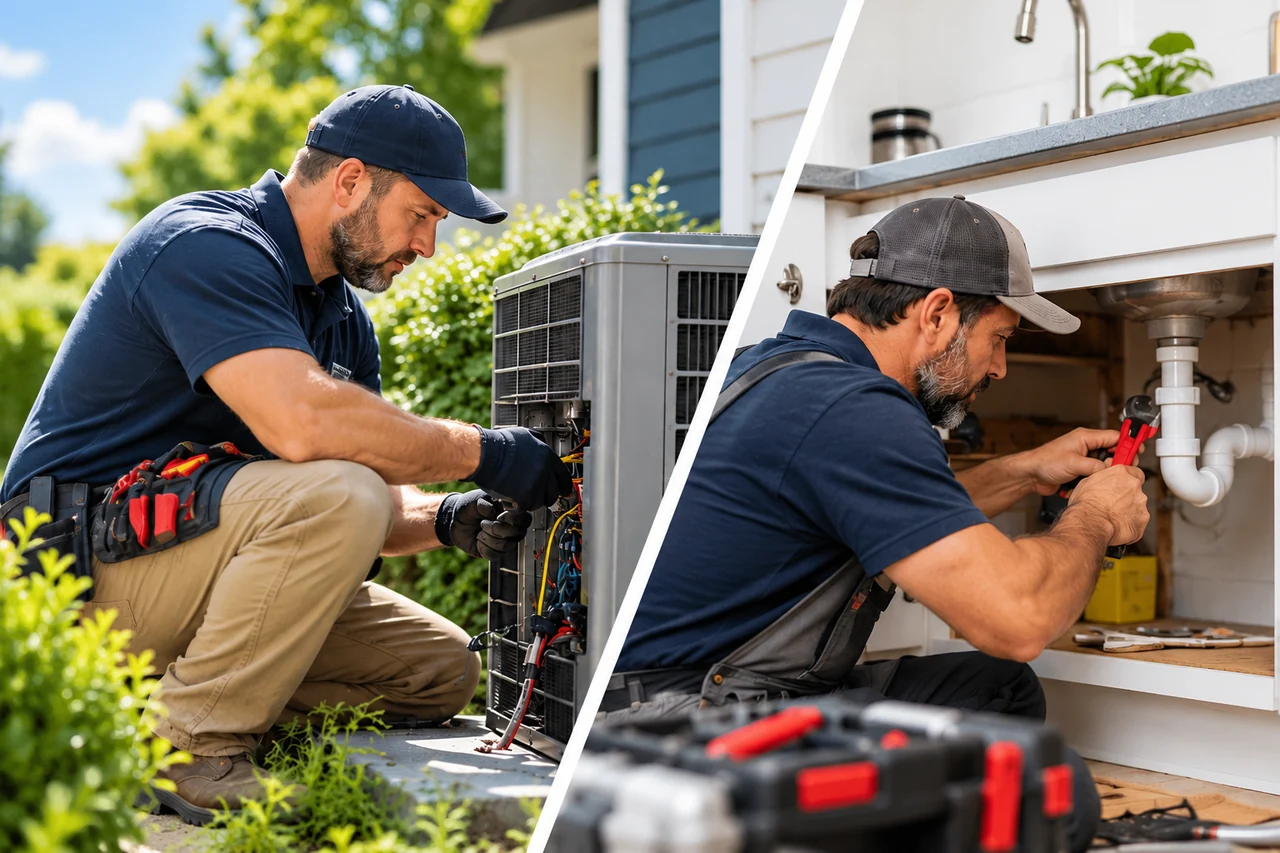
AI receptionist for service businesses

Missed Calls.
Missed Opportunities.
Not Anymore.

Your AI receptionist answers calls 24/7, captures leads, and helps schedule appointments—even when your team is busy.

We configure and test your receptionist around your business, so you can focus on your customers.

Two missed $500 jobs mean $1,000 in missed revenue. An illustrative calculation—not a forecast for your business.

Illustrative example — fictional details
A helpful first conversationExample industry: HVAC
Caller request

“My furnace isn’t heating. Can someone come tomorrow?”

A service request with context for your team.

Service requestExample
Request
Heating service
Appointment time
Saturday · 10:30 AM
Status
Appointment Booked Successfully
Calendar bookingBooked through Cal.com
For businesses like yours
  • HVAC
  • Plumbing
  • Roofing
  • Electrical
  • Auto Repair
  • Dental

Featured recorded demo

Hear the AI receptionist in action

Listen to the recorded HVAC demo and hear how the receptionist handles a service call and books an appointment.

Screens for emergencies before booking. In this HVAC demo, the AI asks about gas smells and carbon monoxide alarms before checking appointments.

Prerecorded · HVAC example

Evergreen Heating & Air · HVAC sample

Listen to the HVAC example · 2 min 25 secRecorded October 2026

Fictional HVAC demonstration using sample customer details. Not a real customer call or service order.

Call Summary

Sample

Details from the recorded call.

Customer
David Miller
Phone
425-555-0142
Service address
1254 Maple Drive, Bellevue WA 98005
Reported problem
Furnace not working · No heat
Safety check
Customer reported no gas smell or carbon monoxide alarm
Appointment time
Saturday · 4:00 PM Pacific
Appointment Status
Appointment Scheduled in Demo Saturday · 4:00 PM Pacific

The receptionist reported the appointment as scheduled in the recording.

Want this for your business?

Book a Free Discovery Call

How it works

From a ringing phone
to a clear next step.

  1. 01

    Your customer calls

    Calls you choose reach your AI receptionist.

  2. 02

    The receptionist helps

    It answers common questions and collects the details your team needs.

  3. 03

    Your business gets the next step

    Receive a service request, arrange a callback, or book through a connected calendar.

After-hours and unanswered-call routing depend on your phone provider’s options. Direct booking requires a supported calendar connection. We check compatibility and handle setup and testing for you.

One service. Your business.

Different businesses.
Familiar phone challenges.

Choose an industry to see how call intake can be shaped around the questions your customers ask.

HVAC

Capture heating and cooling service requests.

Information to capture

  • Service address
  • Reason for calling
  • Preferred visit time
Listen to our HVAC example
A customer might ask
“My furnace isn’t heating. Can someone come tomorrow?”
A realistic next step

The team reviews the request and confirms availability.

Fictional HVAC call example.

Plumbing

Organize plumbing inquiries while your team is on the job.

Information to capture

  • Location
  • A brief description of the issue
  • Callback details
A customer might ask
“There’s a leak under my kitchen sink. Can I arrange a visit?”
A realistic next step

The request is passed to the team for scheduling and follow-up.

Fictional Plumbing call example.

Roofing

Turn roofing inquiries into useful estimate requests.

Information to capture

  • Property location
  • Type of request
  • Preferred callback time
A customer might ask
“Can someone look at my roof and provide an estimate?”
A realistic next step

The team follows up to arrange the assessment.

Fictional Roofing call example.

Electrical

Collect electrical project and service inquiries.

Information to capture

  • Service location
  • Project description
  • Preferred timing
A customer might ask
“I’d like an additional outlet installed in my office.”
A realistic next step

The team reviews the work and discusses scheduling.

Fictional Electrical call example.

Auto Repair

Keep service inquiries moving while the shop is busy.

Information to capture

  • Vehicle details
  • Requested service
  • Preferred appointment time
A customer might ask
“Can I arrange an oil change for my car this week?”
A realistic next step

The shop confirms the appropriate appointment.

Fictional Auto Repair call example.

Dental

Support routine front-desk appointment inquiries.

Information to capture

  • New or existing patient
  • General appointment request
  • Preferred callback time

Administrative workflows only. Healthcare-specific requirements are reviewed before deployment.

A customer might ask
“Are you accepting new patients for a cleaning?”
A realistic next step

Office staff confirm appointment options and requirements.

Fictional Dental call example.

What Belltech configures

Built around your business—not a generic script.

We learn your workflow, configure the receptionist, and test real call scenarios with you.

Typical setup: 1–2 weeks. We confirm your launch date during the discovery call, based on your workflow and integrations.

Your business information
Approved answers about your services, hours, and common questions.
Your intake process
The caller details and request information your team needs.
Your scheduling workflow
Collect appointment requests for your team, or book available times through a connected calendar.
Your follow-up preferences
Notifications, callback rules, and connections to your business tools.
Kazi Ali, founder of Belltech Systems
Kazi AliFounder · Belltech SystemsBuilding Software since 1997Seattle metro area, Washington

Why Belltech

AI backed by practical software engineering.

Founded 2006 · Incorporated 2009.

Belltech Systems has delivered dependable software solutions since 2006. Today, we bring that engineering experience to AI receptionist setup, business workflows, and integrations.

  • Understand how your business works
  • Configure and test the experience
  • Connect the practical pieces
Belltech Systems on LinkedIn

Before we talk

A few good questions.

We confirm the details of your phone setup, workflows, and integrations before implementation.

Can I keep my business number?

Yes, if your phone provider supports call forwarding. Calls can forward to the AI when you’re busy or after hours. We check your provider’s routing options before setup.

Can it help after hours or when my team is busy?

Yes. Your AI receptionist can handle after-hours or unanswered calls. We configure the routing around your business hours and phone provider’s options.

Can it connect to our calendar or CRM?

The HVAC demo books appointments through Cal.com. Tell us which calendar or CRM you use, and we’ll check compatibility before setup.

What happens when it cannot answer?

It takes a message so your team can follow up. We agree on callback instructions and any supported call-transfer options during setup.

Will this replace my staff?

The service can support your team with initial questions and call intake, while staff handle the work and conversations that need their attention.

Can I hear a demo before booking?

Yes. Listen to the recorded HVAC demo above to hear how the receptionist handles a call and books an appointment. Book a discovery call to discuss how it could work for your business.

How long does setup take?

Typically 1–2 weeks. We confirm the timeline during your discovery call after reviewing your phone setup, workflow, and integrations.

How much does it cost?

We discuss pricing during your discovery call, based on what your business needs and the complexity of the setup. Book a Free Discovery Call to review your workflow and pricing.

LET'S TALK ABOUT YOUR BUSINESS

See How an AI Receptionist Could Help Your Business

Book a free 30-minute discovery call. We'll discuss the calls your business receives and how an AI receptionist could handle scheduling and follow-up for your team.

  • Review the calls your business receives
  • Discuss scheduling and follow-up needs
  • Explain the proposed setup and monthly cost
Book a Free Discovery Call

The calendar loads as this section comes into view. You can also open it directly below.

Open Booking Calendar Opens Cal.com in a new tab.

Free consultation. No obligation.